




Digital Banking
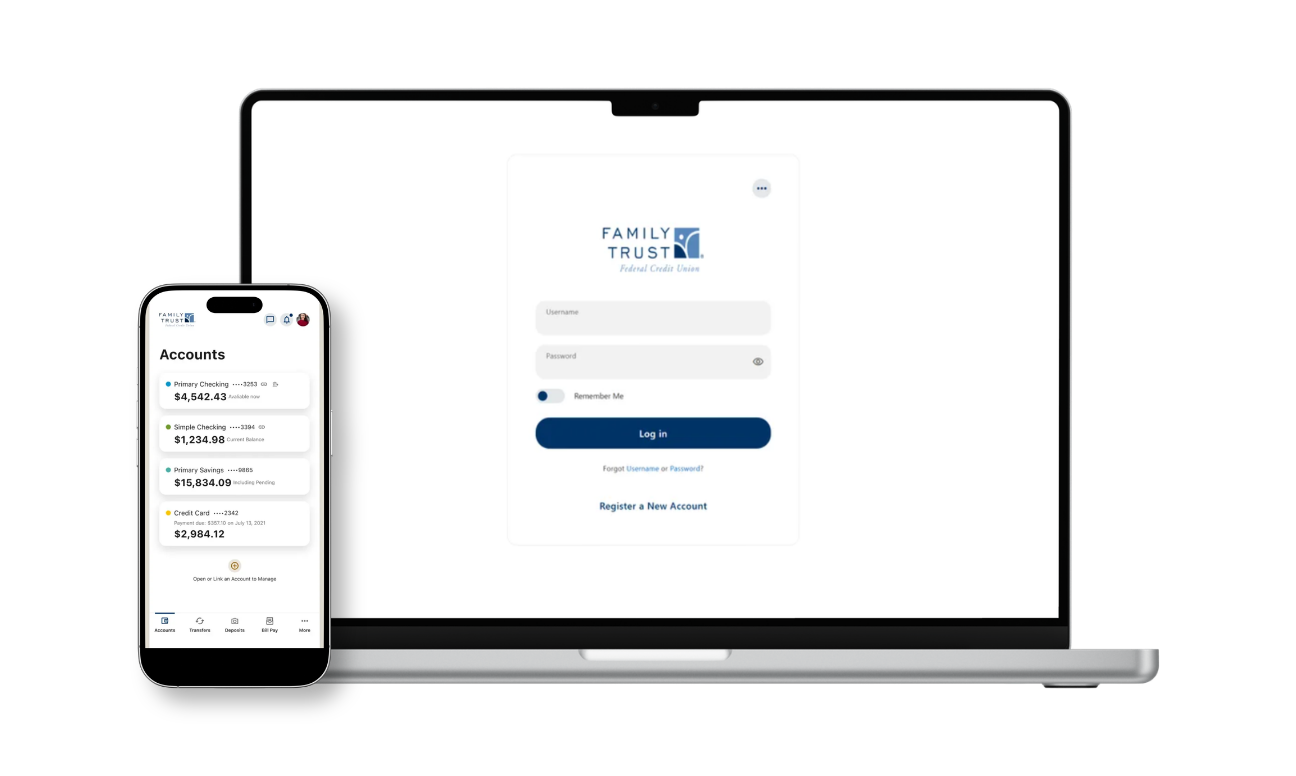
Everything You Need to Manage Your Money
Digital Banking makes it easy to manage your Family Trust accounts on your schedule.
Check balances and transactions, transfer money, pay bills, deposit checks, access eStatements, set up account alerts and more, all in one convenient place.
Already have an account? Log in
{beginAccordion}
How do I log in to Digital Banking if I've never used it before?
If you're a first-time Digital Banking user, you'll need to register here before logging in. Follow the prompts to verify your identity and create your credentials. Once registration is complete, log in using your new username and password.
How do I reset my password and/or unlock my account?
If you are logged into Digital Banking:
1. Select Tools.
2. Choose Settings.
3. Select Security.
4. Follow the prompts to change your password.
If you are not logged into Digital Banking:
1. Select Forgot Password on the login screen.
2. Follow the prompts to reset your password or unlock your account.
How do I update my contact information?
1. Log in to Digital Banking through the website or mobile app.
2. Select Tools > Settings > Contact
3. Update your information and save your changes.
You may also update your contact information at any Family Trust branch.
How do I view my account balances and transaction history?
1. Log in to Digital Banking.
2. Your account balances appear on the Dashboard.
3. Select an account to view recent transactions.
4. Select a transaction for additional details.
You can categorize transactions to help track and manage spending.
How do I deposit a checking using Mobile Deposit?
Eligible members can deposit checks directly through the Family Trust Mobile Banking app.
1. Log in to the mobile app.
2. Select Deposit a Check.
3. Follow the on-screen instructions to photograph and submit your check.
Be sure to endorse the back of your check with: "For Mobile Deposit Only at Family Trust FCU."
How do I transfer money between my Family Trust accounts?
1. Log in to Digital Banking
2. Select Transfers in the mobile app or Transfer and Pay in Online Banking.
3. Chooose the accounts, amounts, and transfer date.
4. Submit the transfer.
Scheduled Transfers
You can also schedule recurring transfers.
- Select Scheduled to view, edit, or cancel upcoming transfers.
- Select Activity to review previous transfers.
How do I transfer money to an account at another financial instution?
1. Log in to Digital Banking.
2. Select Transfers or Transfer & Pay.
3. Choose Add an Account.
4. Select an option to add an external account.
5. Follow the prompts to enter the account information.
Two smaller verification deposits will be sent to the external account and may take up to three business days to appear.
Once deposits are verified within Digital Banking, you'll be able to transfer funds to and from the account.
What are alerts and how do I set them up?
Alerts help you stay informed about account activity and important account events.
You can receive alerts for:
- Account balances
- Deposits and withdrawals
- Loan payment due dates
- Debit card purchases
- Budget and saving goal progress
To create an alert:
1. Log in to Digital Banking.
2. Select Tools > Alerts.
3. Turn on the alerts you'd like to receive.
4. Choose your trigger settings.
5. Select how you'd like to be notified.
How do I create a savings goal?
1. Log in to Digital Banking.
2. Select Member Services > Saving Goals.
3. Select Crate a Savings Goal.
4. Choose the savings account you would like to use.
5. Enter your goal name, target amount, and target date.
6. Save your goal.
{endAccordion}
How to Get Started
Ready to enroll in Digital Banking? Follow these simple steps to get started.
Enroll in Digital Banking
Get started by enrolling with your Family Trust account information.
Set Up Your Login
Create your secure login credentials and complete any required account verification.
Sign In
Once you're enrolled, sign in anytime to access and manage your accounts.
Download the Mobile App
Take Digital Banking with you by downloading the Family Trust mobile app.
Download the App →



Do More With Digital Banking

Mobile Wallet
{beginAccordion}
Add to Mobile Wallet
- Tap More.
- Select Member Services.
- Tap Card Management.
- Select your card.
- Tap Add to Wallet.
{endAccordion}
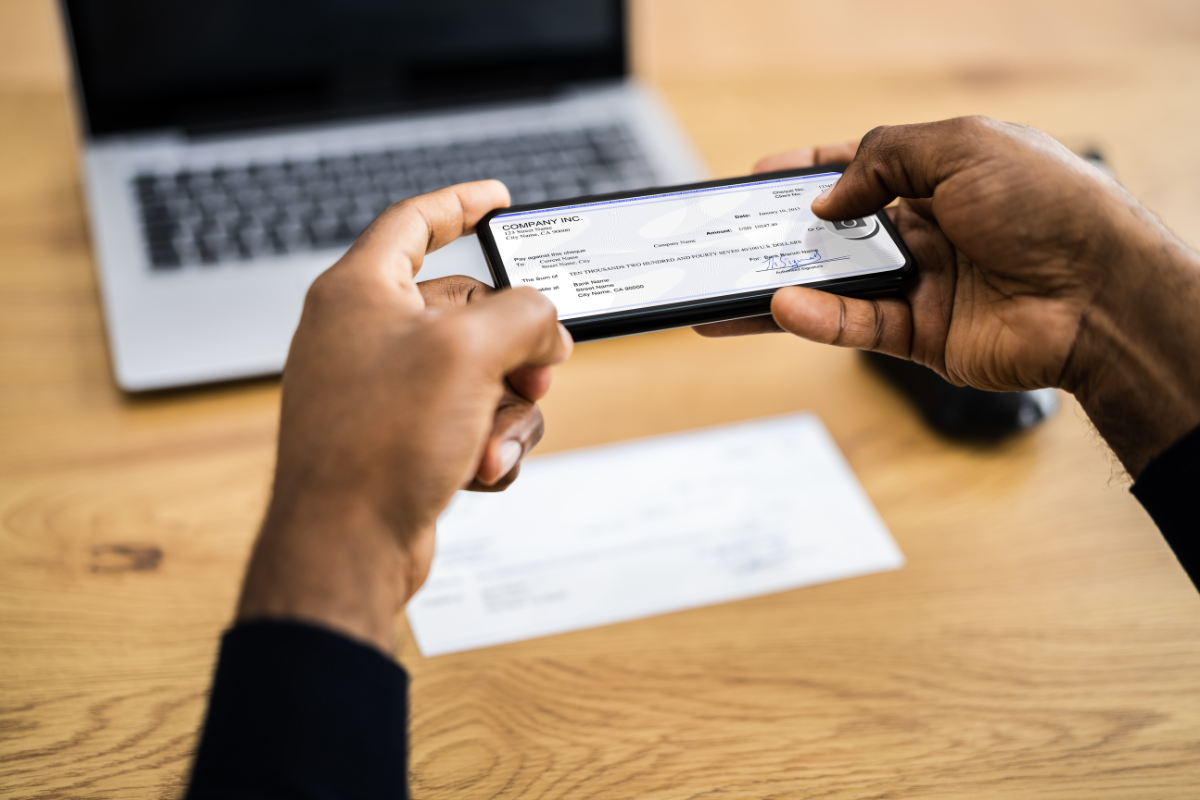
Mobile Deposit
{beginAccordion}
Deposit a Check
-
Log in to the mobile app.
-
Select Mobile Deposit.
-
Endorse your check as instructed.
-
Take photos of the front and back.
-
Submit your deposit.
{endAccordion}

Card Controls
{beginAccordion}
Manage Your Card
-
Log in to the mobile app.
-
Select Cards.
-
From here, you can:
- Temporarily block your card
- Update your PIN
- Set Travel Alerts
- Add to Mobile Wallet
- Manage card alerts and notifications
{endAccordion}

Travel Alerts
{beginAccordion}
Set a Travel Alert
-
Log in to the mobile app.
-
Select Member Services then Card Management.
-
Select Travel Notices.
-
Enter the details of your trip.
{endAccordion}
Your Money, All in One Place
Stay on top of your accounts without making a trip to a branch.
- ✓ Check account balances and transaction history
- ✓ View your Family Trust accounts in one place
- ✓ Access eStatements and account documents
- ✓ Set up account and transaction alerts
- ✓ Keep track of your money anytime, anywhere
Pay Your Bills
Pay bills securely online and manage payments from one convenient place.
- ✓ Make one-time or recurring payments
- ✓ Keep track of upcoming payments
- ✓ View your payment history
Learn About Bill Pay
Transfer Money
Move money where you need it, when you need it.
- ✓ Transfer between eligible Family Trust accounts
- ✓ Move money between Family Trust and accounts you own elsewhere
- ✓ Schedule eligible transfers for added convenience
Learn About External Transfers
The Family Trust mobile app makes it easy to manage your money wherever you are.
✓ Check balances and transactions
✓ Transfer money and pay bills
✓ Deposit checks using your phone's camera
✓ Manage your cards and account alerts
✓ Add eligible cards to your digital wallet