




How to Deposit a Check Without Visiting a Branch
11/18/2026
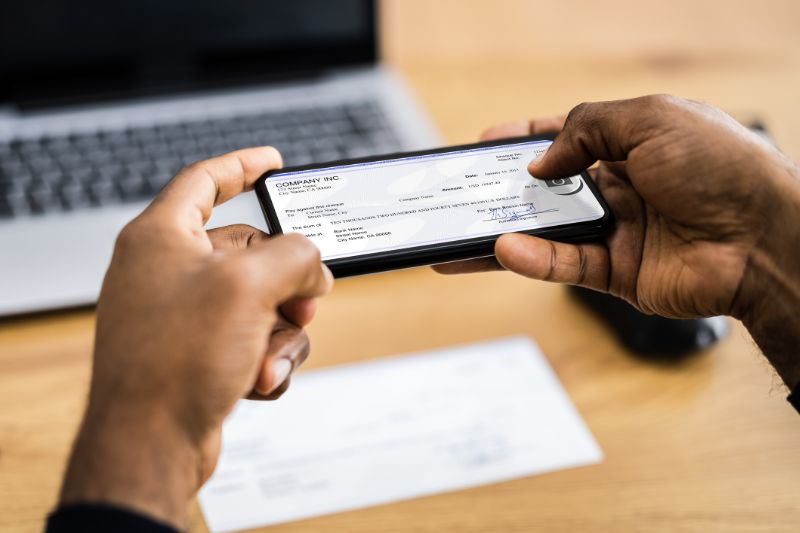
Got a check to deposit but don't have time to stop by a branch?
With Mobile Deposit in the Family Trust mobile app, eligible checks can be deposited using your phone's camera. It's an easy way to take care of your deposit wherever it's convenient for you.
What Is Mobile Deposit?
Mobile Deposit lets you submit eligible checks through the Family Trust mobile app rather than bringing the check into a branch.
All you need is your mobile device, the Family Trust app and the check you're depositing.
How to Deposit a Check From Your Phone
Once you're ready:
-
Log in to the Family Trust mobile app.
-
Select Mobile Deposit.
-
Endorse your check as instructed.
-
Take photos of the front and back of the check.
-
Submit your deposit.
That's it. No extra trip needed.
Why Use Mobile Deposit?
The biggest benefit is convenience.
Maybe you received a check after branch hours. Maybe you're busy with work. Maybe you're traveling or simply don't want to make another stop.
Mobile Deposit gives you another option for taking care of everyday banking from wherever you are.
More Banking From Your Phone
Depositing checks isn't the only thing you can do with the Family Trust mobile app.
You can also check balances and transactions, transfer money, pay bills, manage your cards and account alerts, and add eligible cards to your mobile wallet.
Put everyday banking within reach. Log in to Digital Banking or download the Family Trust mobile app.